Chapter 02
Model loading and inspection
Load an IFC model, inspect it in the tree and viewport, then use the property panels to understand the entities that may later appear in IDS checking results.
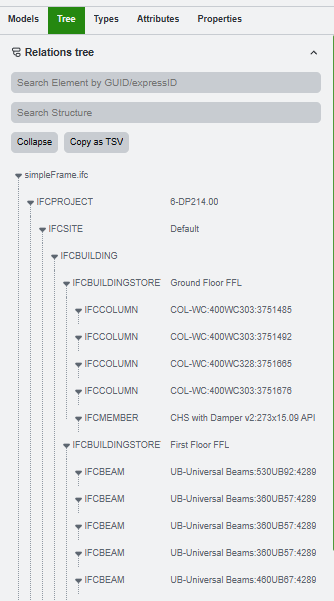
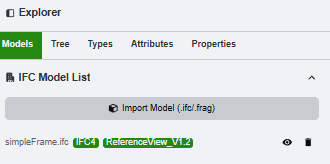
Load the IFC model and read the tree
Start with the model tree after the IFC file is loaded. Use the tree view to understand the model hierarchy before checking IDS rules.
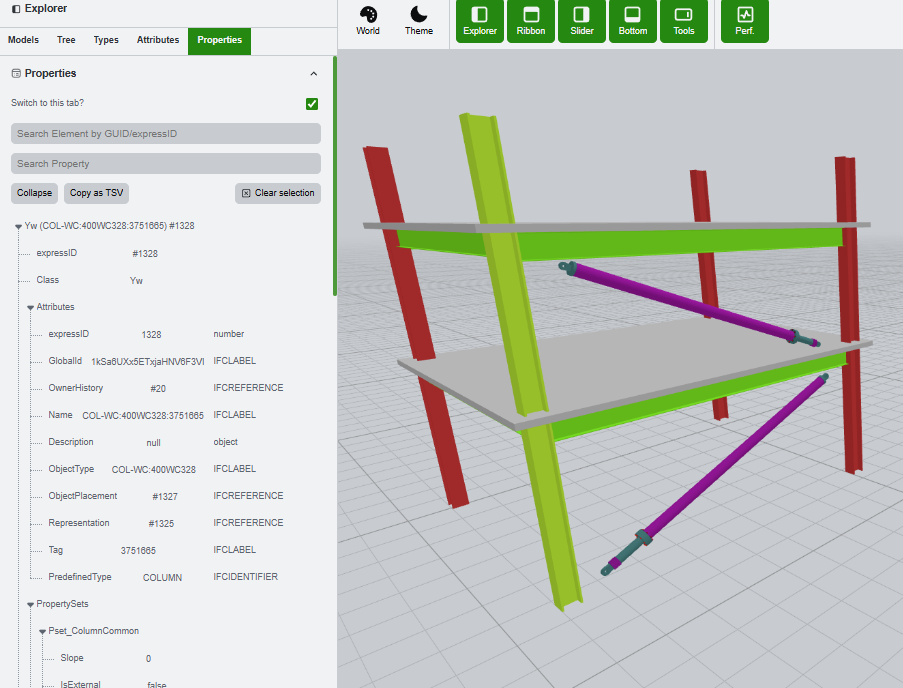
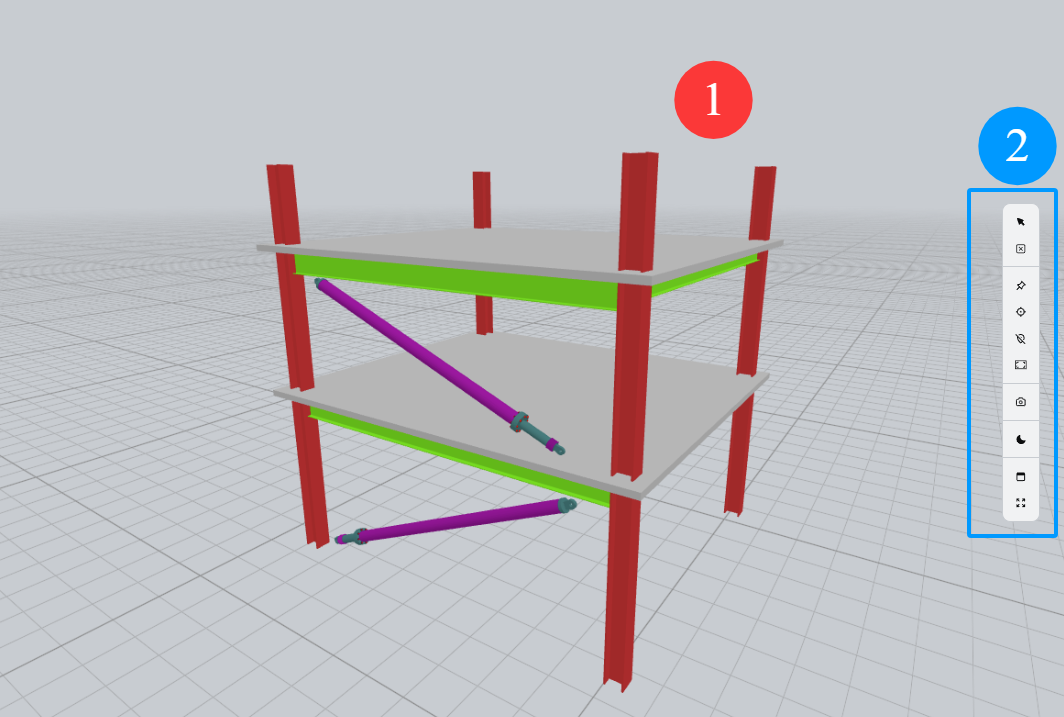
Inspect the model viewport and navigation tools
The viewport can be freely rotated, panned, and zoomed. Use it together with the right vertical toolbar to focus the scene, mark viewpoints, and keep visual context while moving between tables and results.
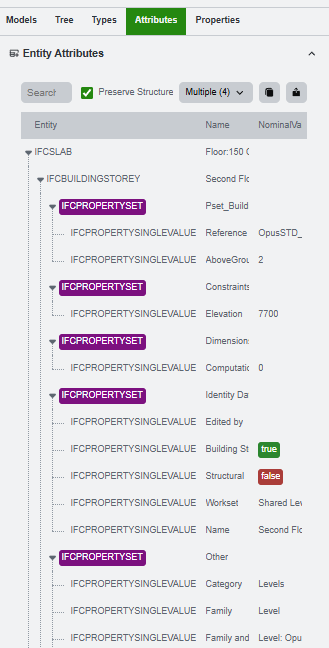
Inspect properties and attributes
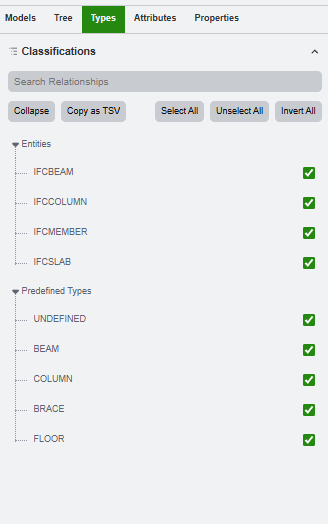
The tree tabs and property panes make the model understandable. Use them together to browse the model hierarchy, switch between model summaries, and inspect the lower-level IFC fields that matter when a rule fails.